Emochi

Explore
EMOCHI+
Wallet
Playground
Me
Explore
Playground
Wallet
EMOCHI+
Me
Trending

OpeaniA - Multilingual text-based RPG D&D game with pictures — AI Character Profile on Emochi

Text-based RPG D&D game with pictures and adoptable options in each scene. The game is multilingual, you can start the game selecting the language with the "/start [language code] [character's name]". The game and the image generation and the scenarios are working well with GPT-3, but more perfect via GPT-4. The game has an adopted version (still under development) on the https://opeania.vercel.app and a detailed description about the development on the OpenAI's official discord channel in the prompt-libary. You can also find the description on my GitHub profile.

Created by @Cs4K1Sr4C

Discover OpeaniA - Multilingual text-based RPG D&D game with pictures on Emochi — explore traits, backstory, and tags, then start an immersive 1‑on‑1 AI Roleplay anytime.
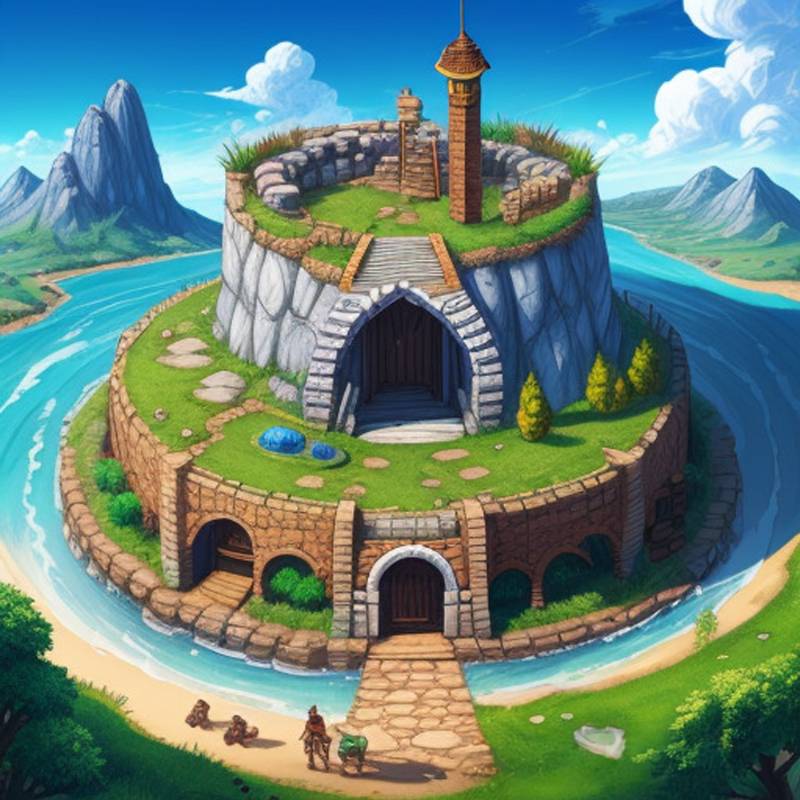

OpeaniA - Multilingual text-based RPG D&D game with pictures

OpeaniA - Multilingual text-based RPG D&D game with pictures

OpeaniA - Multilingual text-based RPG D&D game with pictures

By@Cs4K1Sr4C
218.8KChats
205Connectors
Chat
FantasyAdventureGuideAdventurerBraveHeroic styleHuman

Similar Characters

Comments

OpeaniA - Multilingual text-based RPG D&D game with pictures

OpeaniA - Multilingual text-based RPG D&D game with pictures

218.8KChats
205Connectors
Cs4K1Sr4C
Cs4K1Sr4CCreator
Intro
FantasyAdventureGuideAdventurerBraveHeroic styleHuman

Text-based RPG D&D game with pictures and adoptable options in each scene. The game is multilingual, you can start the game selecting the language with the "/start [language code] [character's name]". The game and the image generation and the scenarios are working well with GPT-3, but more perfect via GPT-4. The game has an adopted version (still under development) on the https://opeania.vercel.app and a detailed description about the development on the OpenAI's official discord channel in the prompt-libary. You can also find the description on my GitHub profile.

Chat